The Get Started section of the new ThinkHuge Partnet Portal gives you a simple way to begin setting up the infrastructure that best fits your needs. From here, you can choose from available server configurations based on your requirements, or request a more tailored solution if the standard options do not meet your specific workload.
Whether you already know the server configuration you need or require a custom infrastructure setup, this section is designed to guide you through the available options and help you get started quickly.
Log in to your partner's account via: https://partners.thinkhuge.net
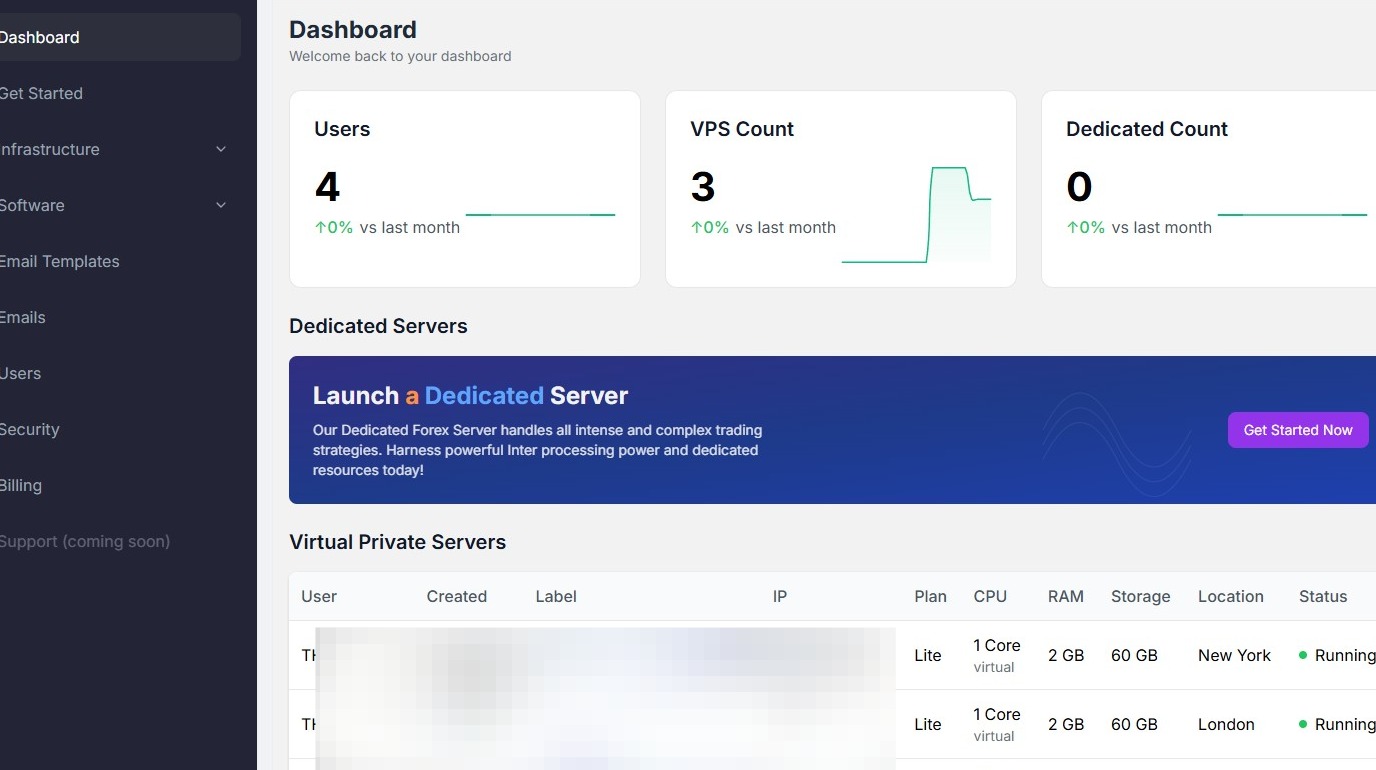
You'll see the main dashboard and all the available options for you to manage everything related to your infrastructure.
GET STARTED SECTION
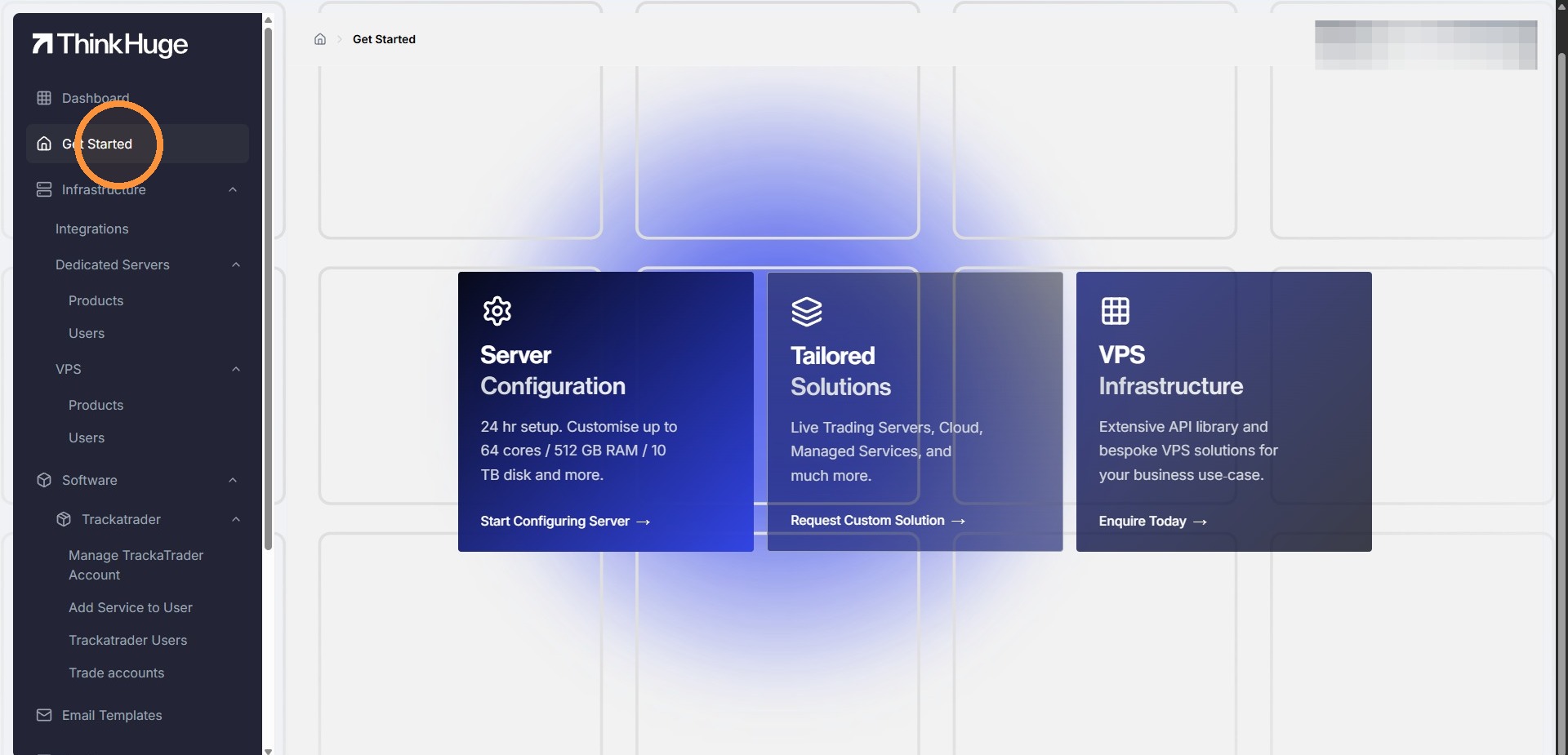
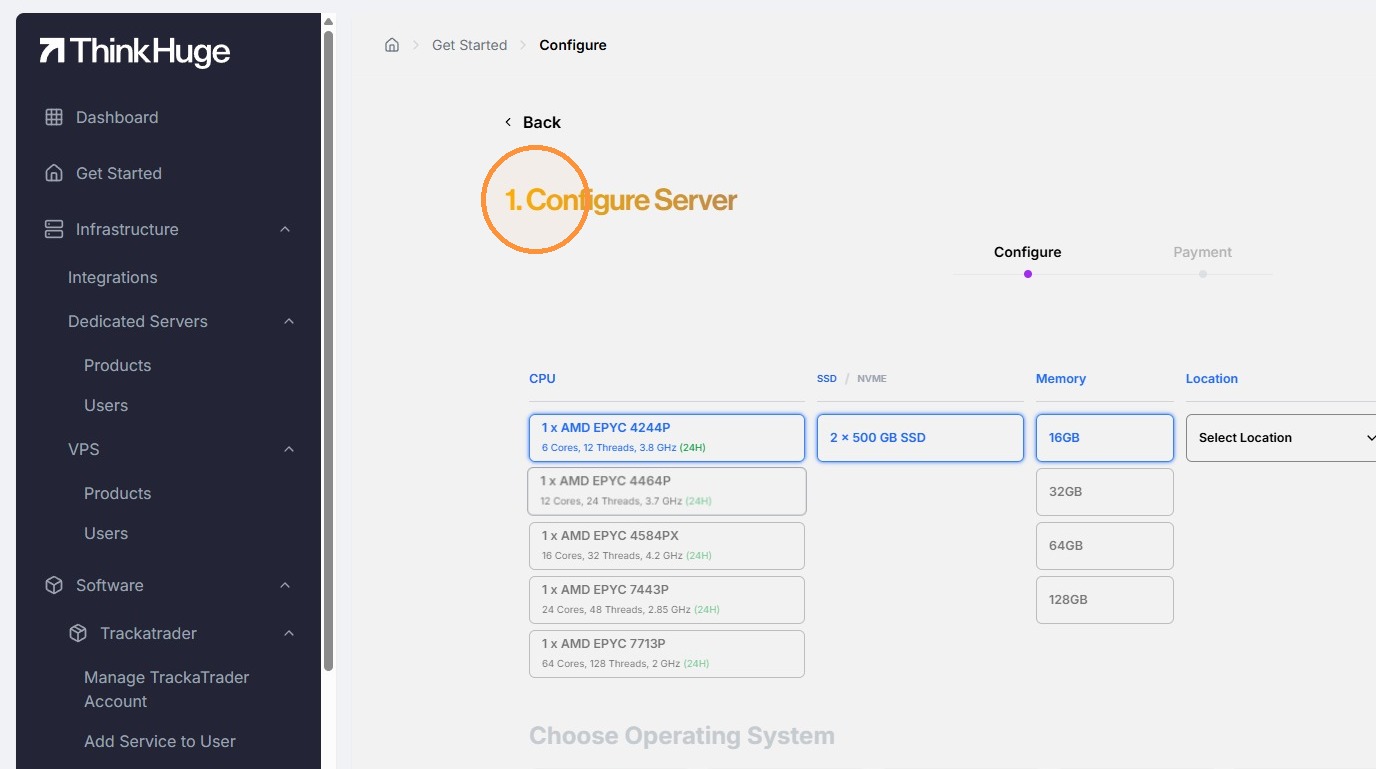
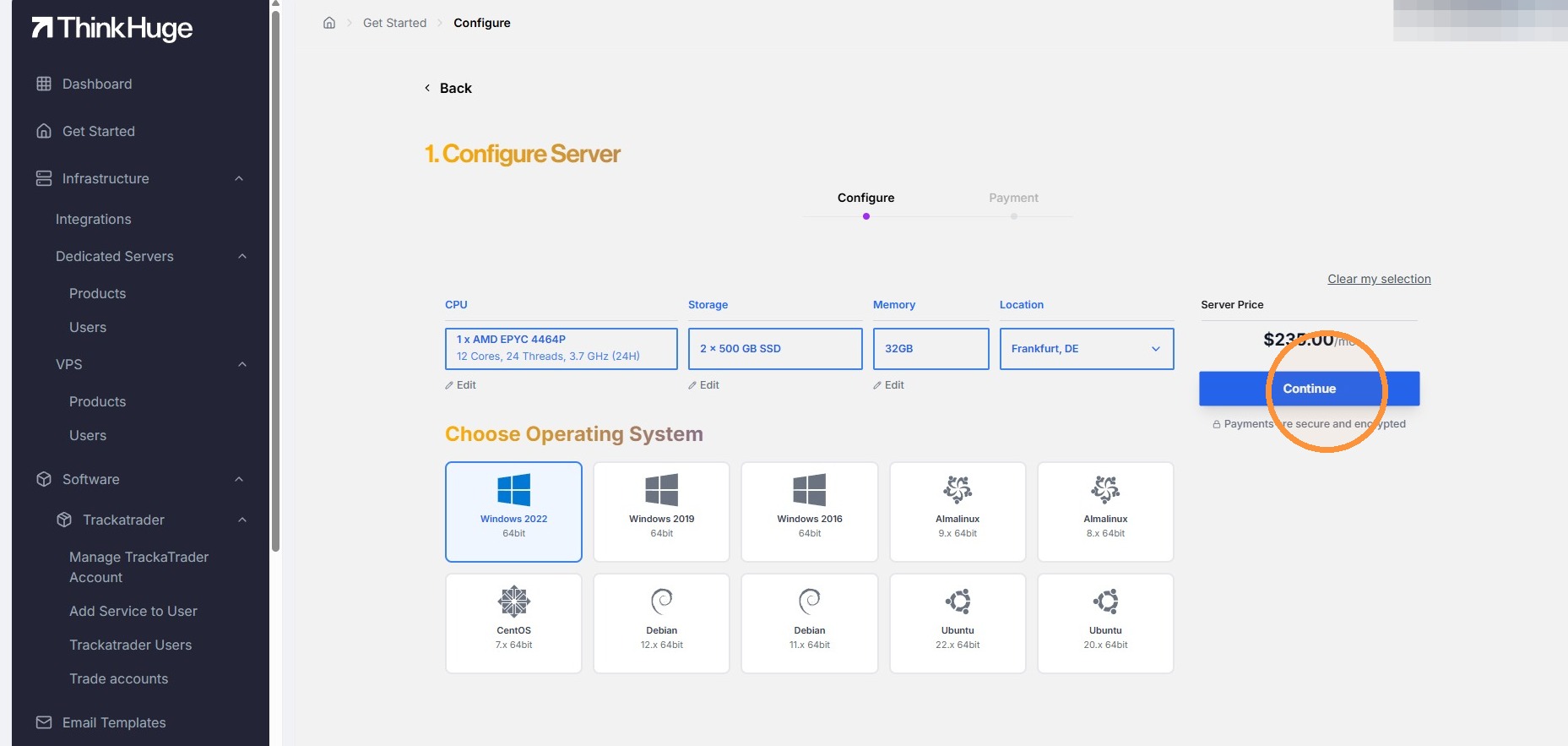
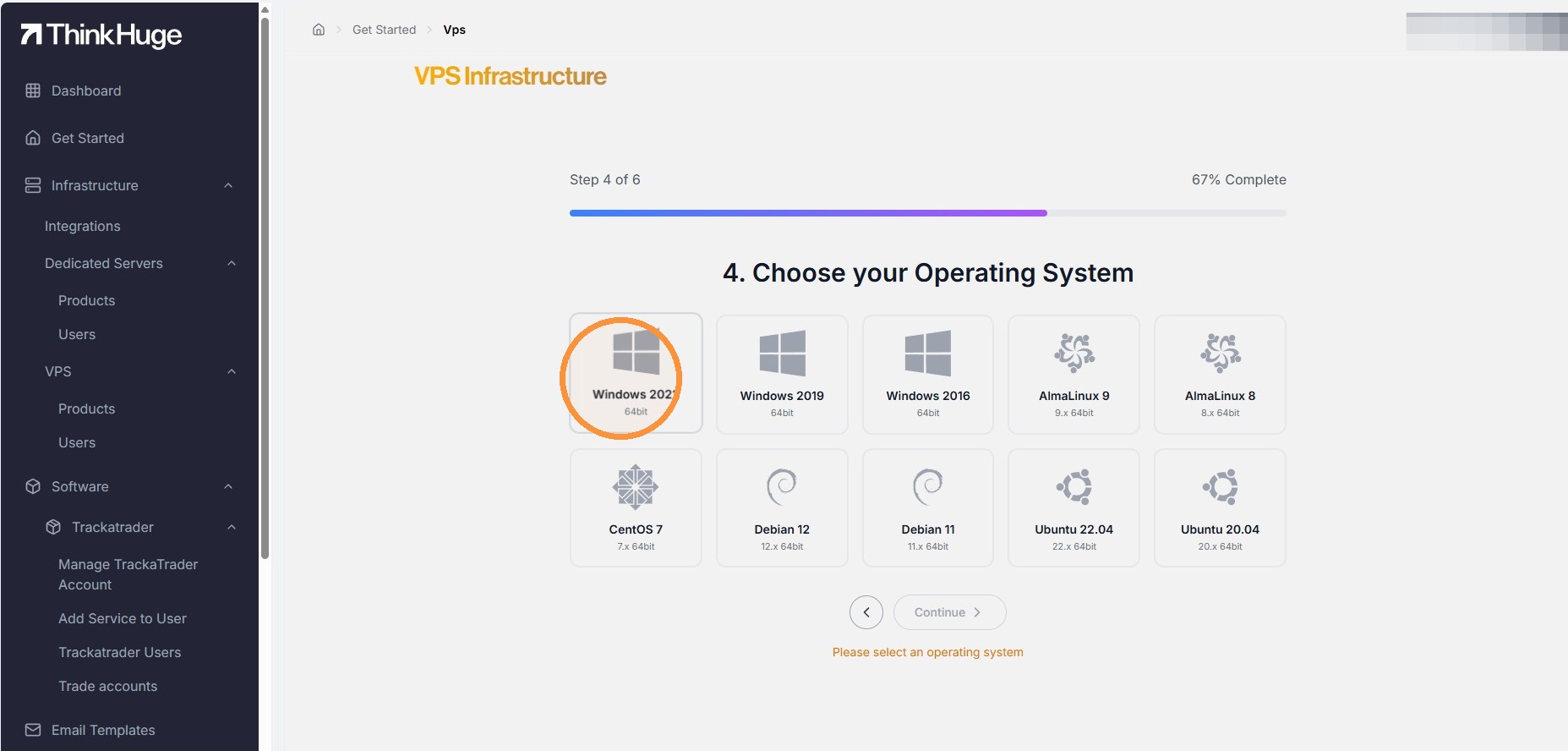
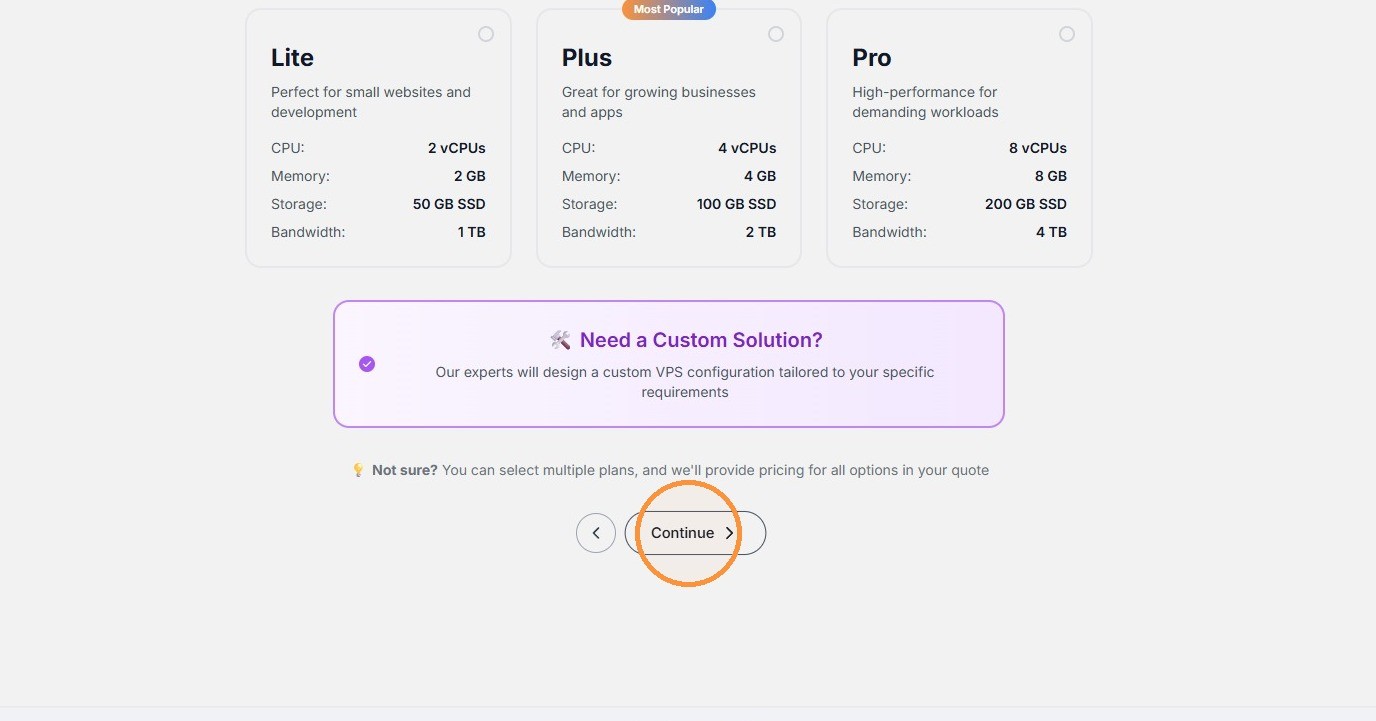
Server Configuration: Here you will find the options to select from the available options, including server specs, locations and operating system. It should also give you the real time pricing based on your standard rate.
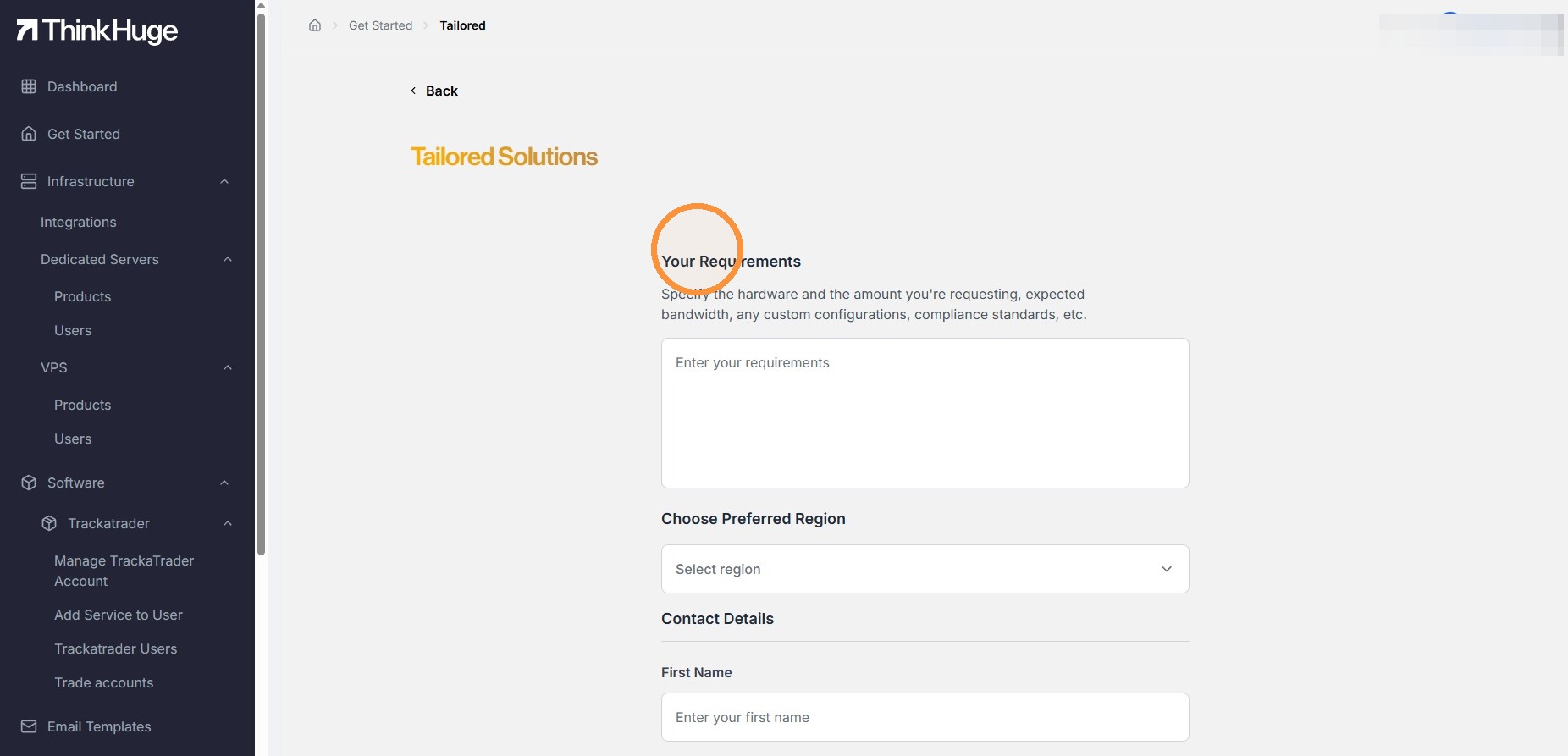
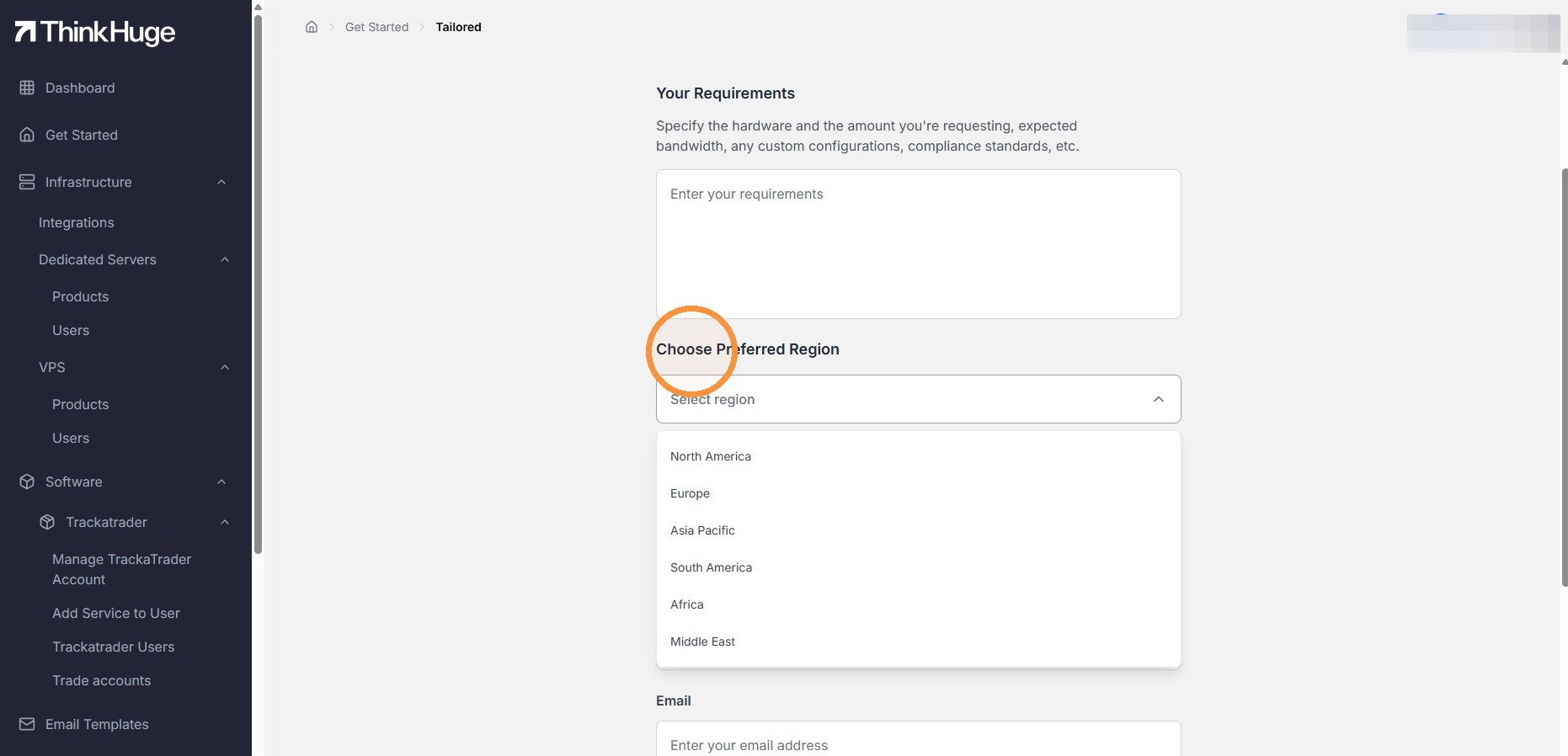
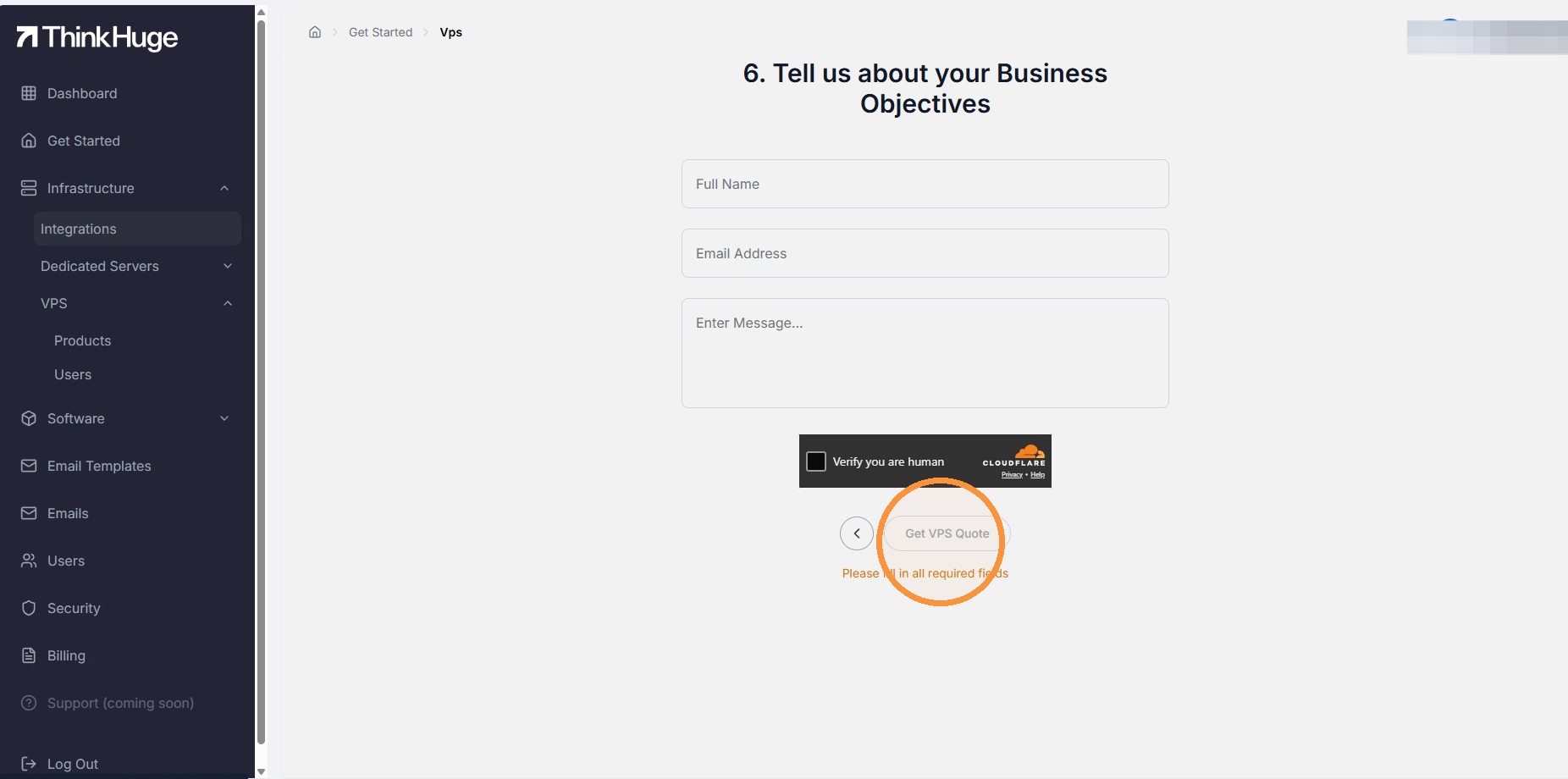
Tailored Solutions: Here you will find be able to send out a request based on your requirements.
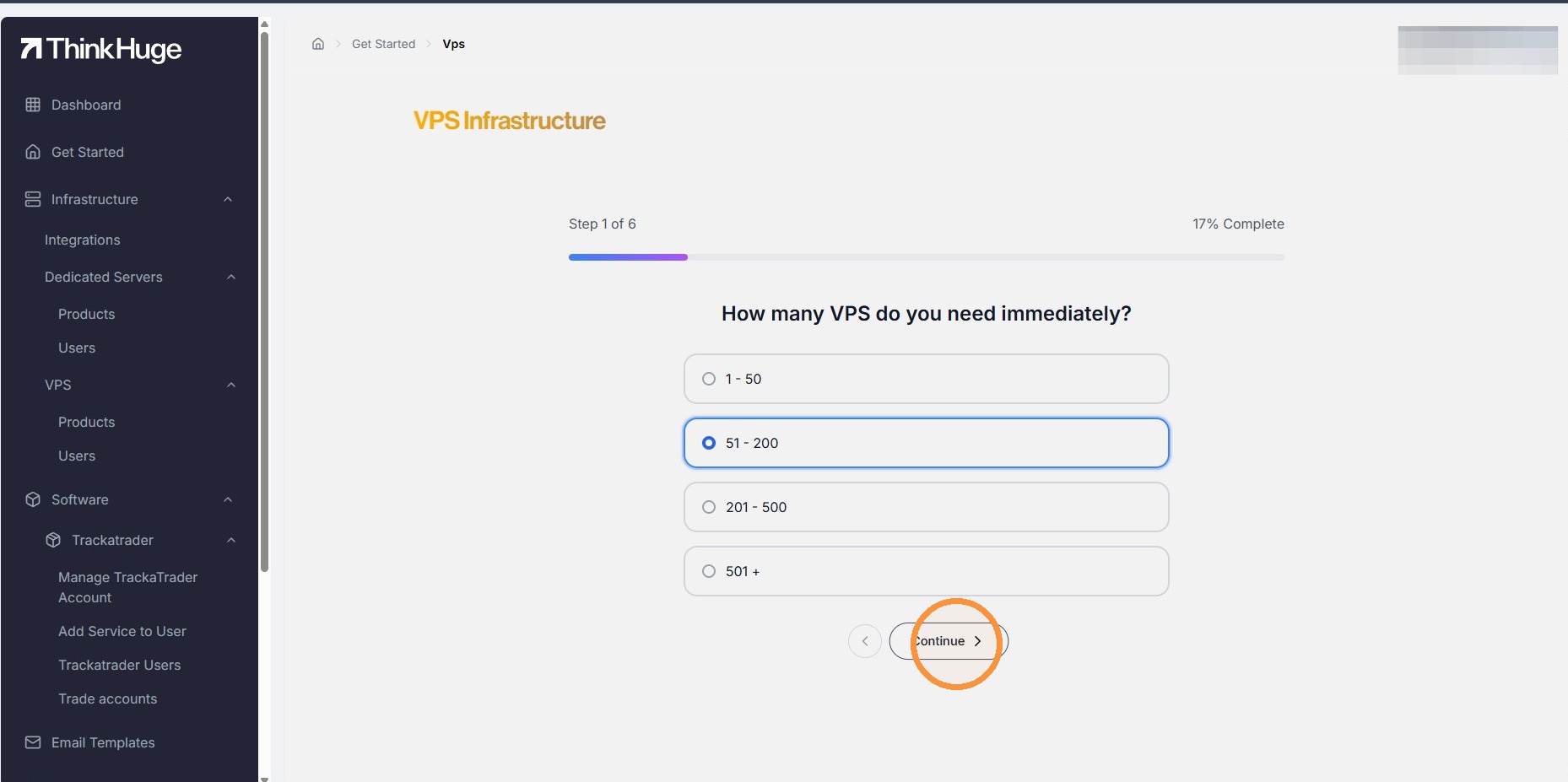
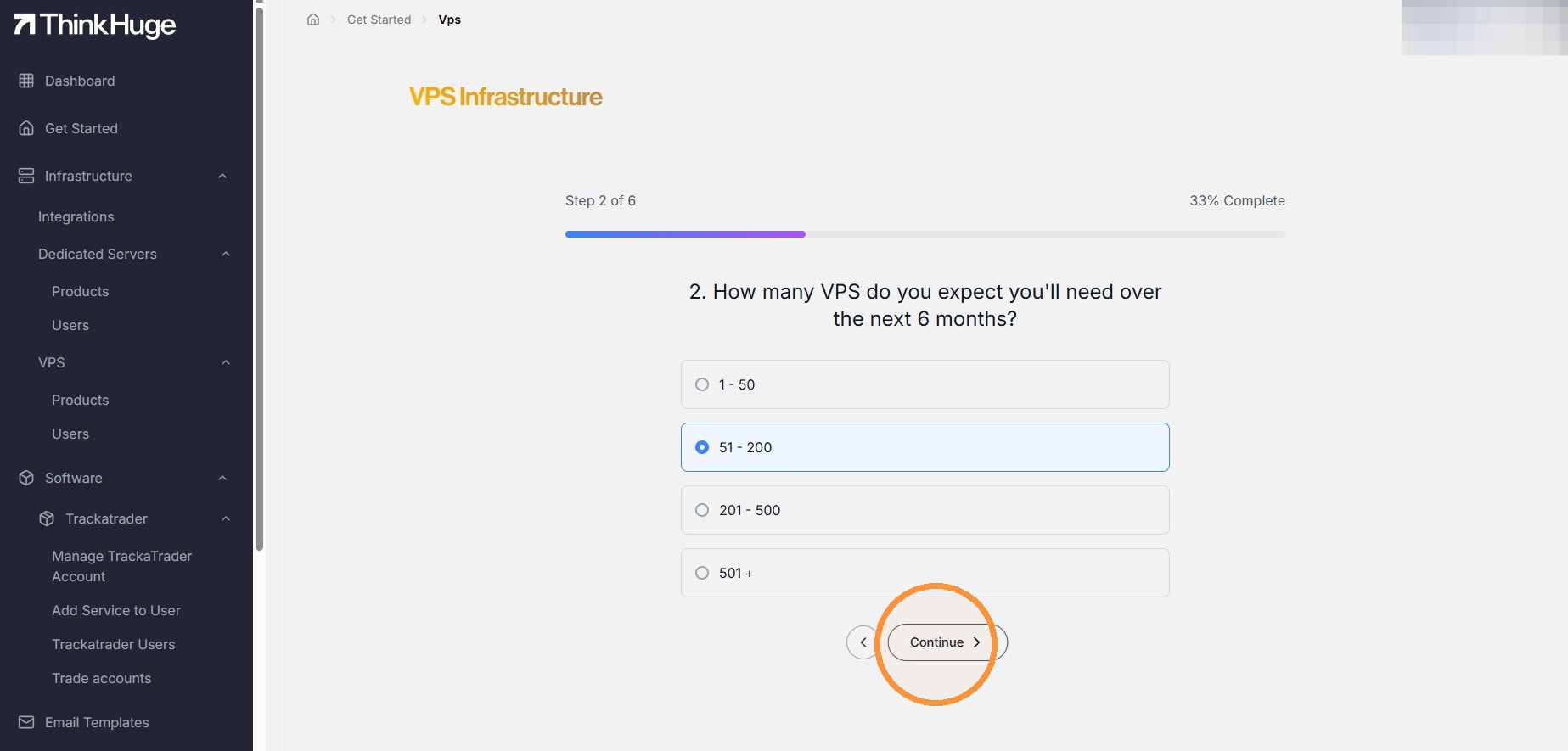
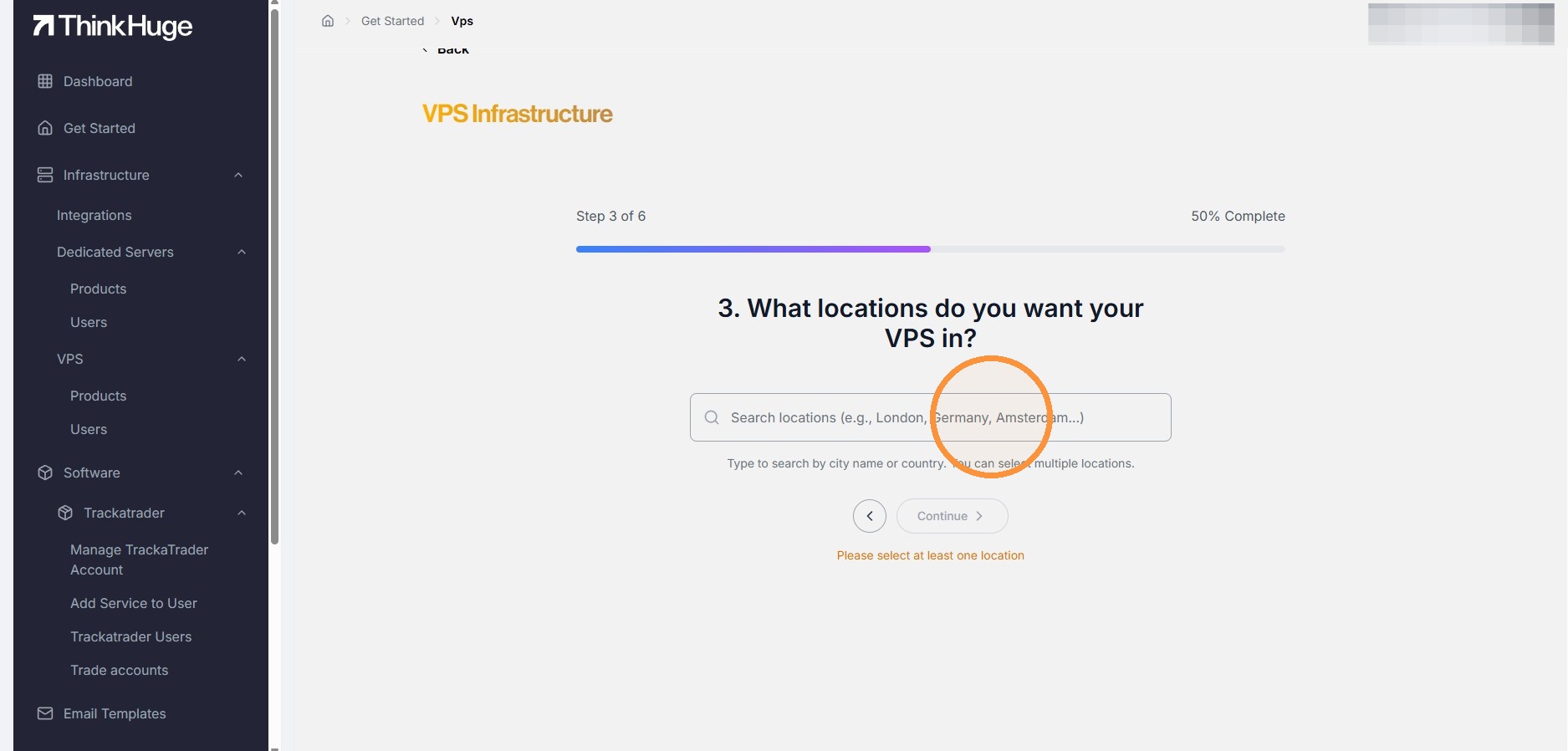
VPS Infrastructure: Here you will find some of our qualifying questions to know more about what you need so we can provide a solution.
We hope you find the ready-made solutions a convenient starting point for selecting and requesting your server infrastructure. If you need something more specific or are unsure which configuration best fits your requirements, our team is always available through the Support channel to assist you and help find the right solution.
Was this article helpful?
That’s Great!
Thank you for your feedback
Sorry! We couldn't be helpful
Thank you for your feedback
Feedback sent
We appreciate your effort and will try to fix the article